Applies to:  Stayntouch PMS
Stayntouch PMS Scheduled Report: Room Move
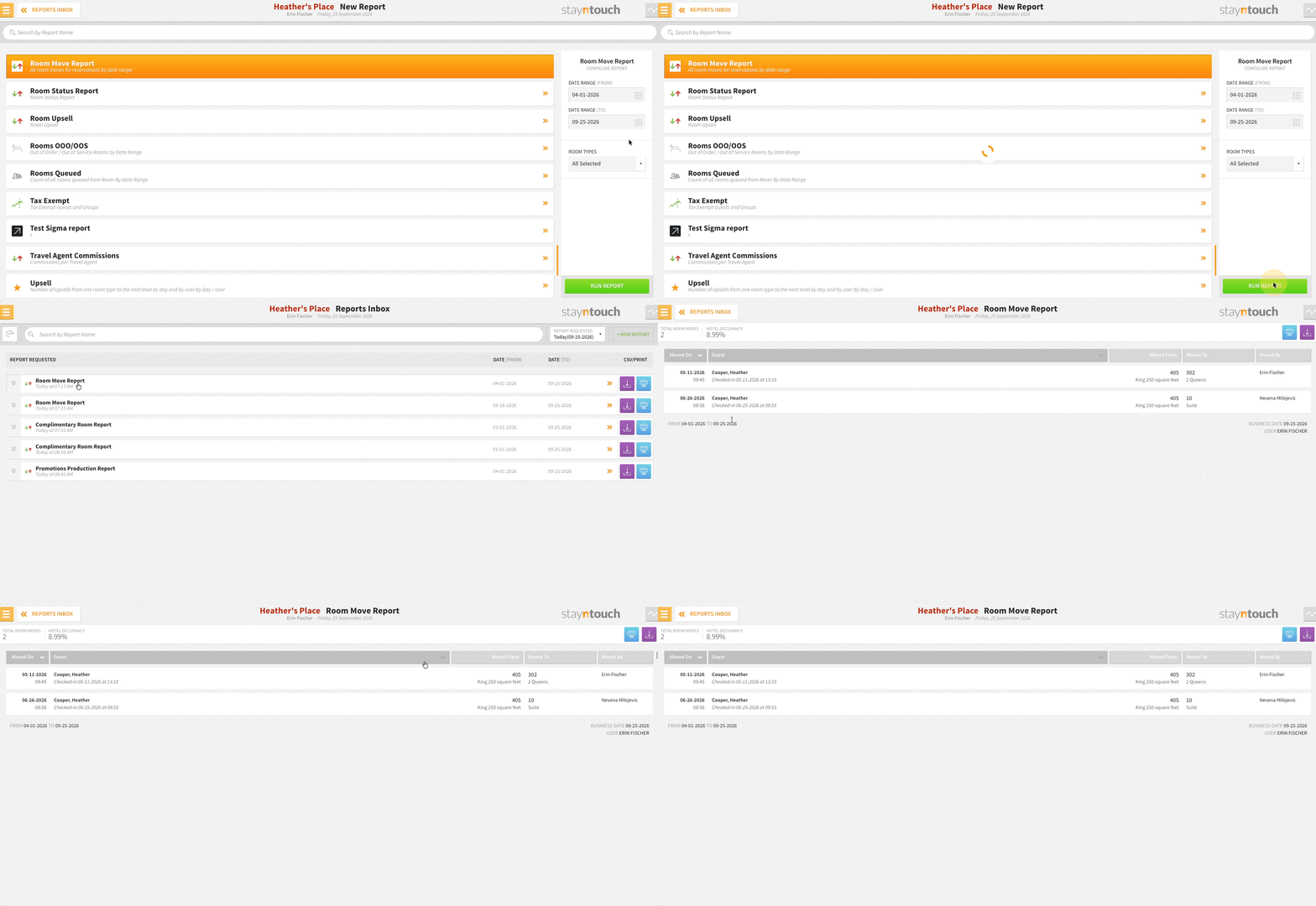
The Room Move Report can be scheduled via Reports > Schedule a Report/Export > Scheduled Reports > + New Report Schedule, in PDF or CSV. Filter by room type and look back over any past period, from yesterday to last January. The header shows total moves and occupancy for the period, with moves grouped by date. For more details about this report, you can see our Report Guide.