Applies to:  Stayntouch PMS
Stayntouch PMS How to Advance the Confirmation Number
If you need your property's confirmation number advanced, please contact onboarding@stayntouch.com, and our team will update that for you accordingly.
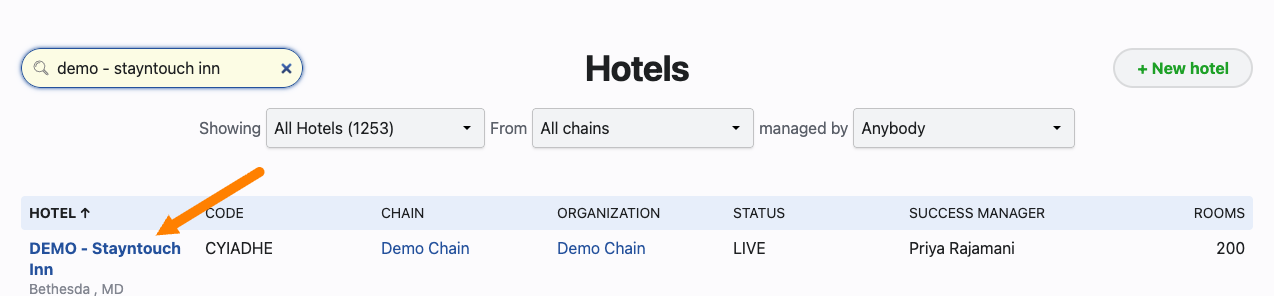
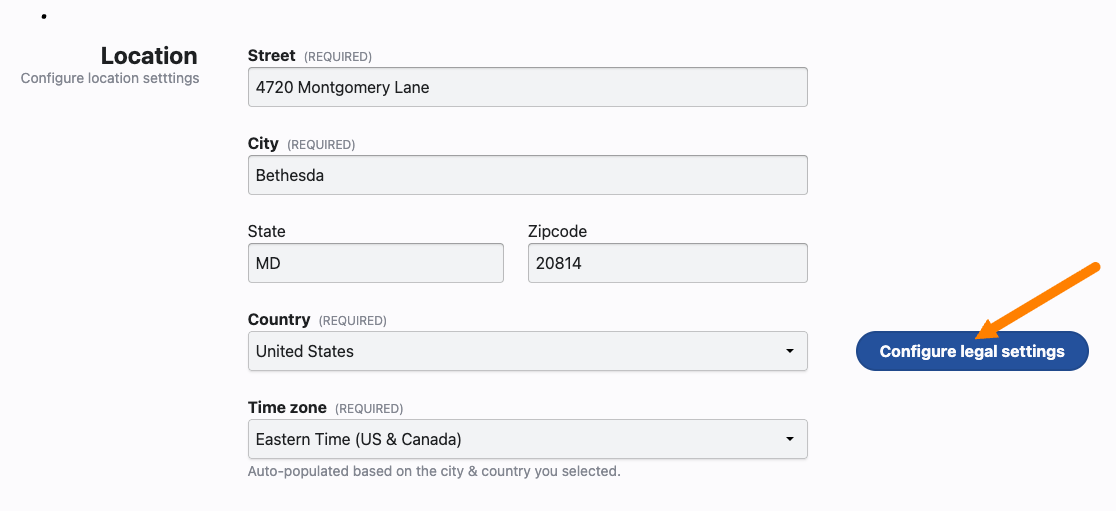
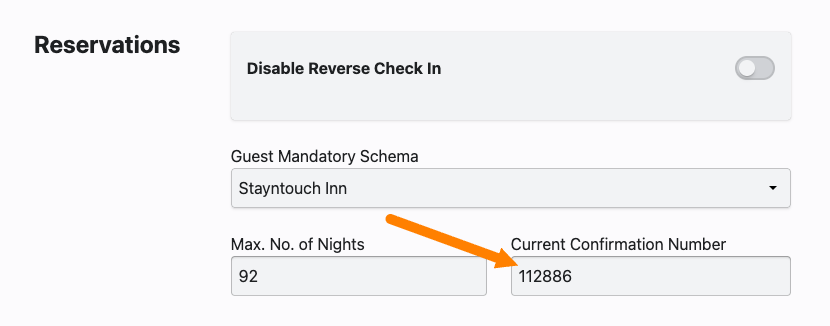
When a request is received for advancing a confirmation number, a Stayntouch Admin user should pull up the property settings, click on Configure legal settings under Location, and update the Current Confirmation Number under Reservations.