Applies to:  Stayntouch PMS
Stayntouch PMS Scheduled Export: Tier and Room Nights Export
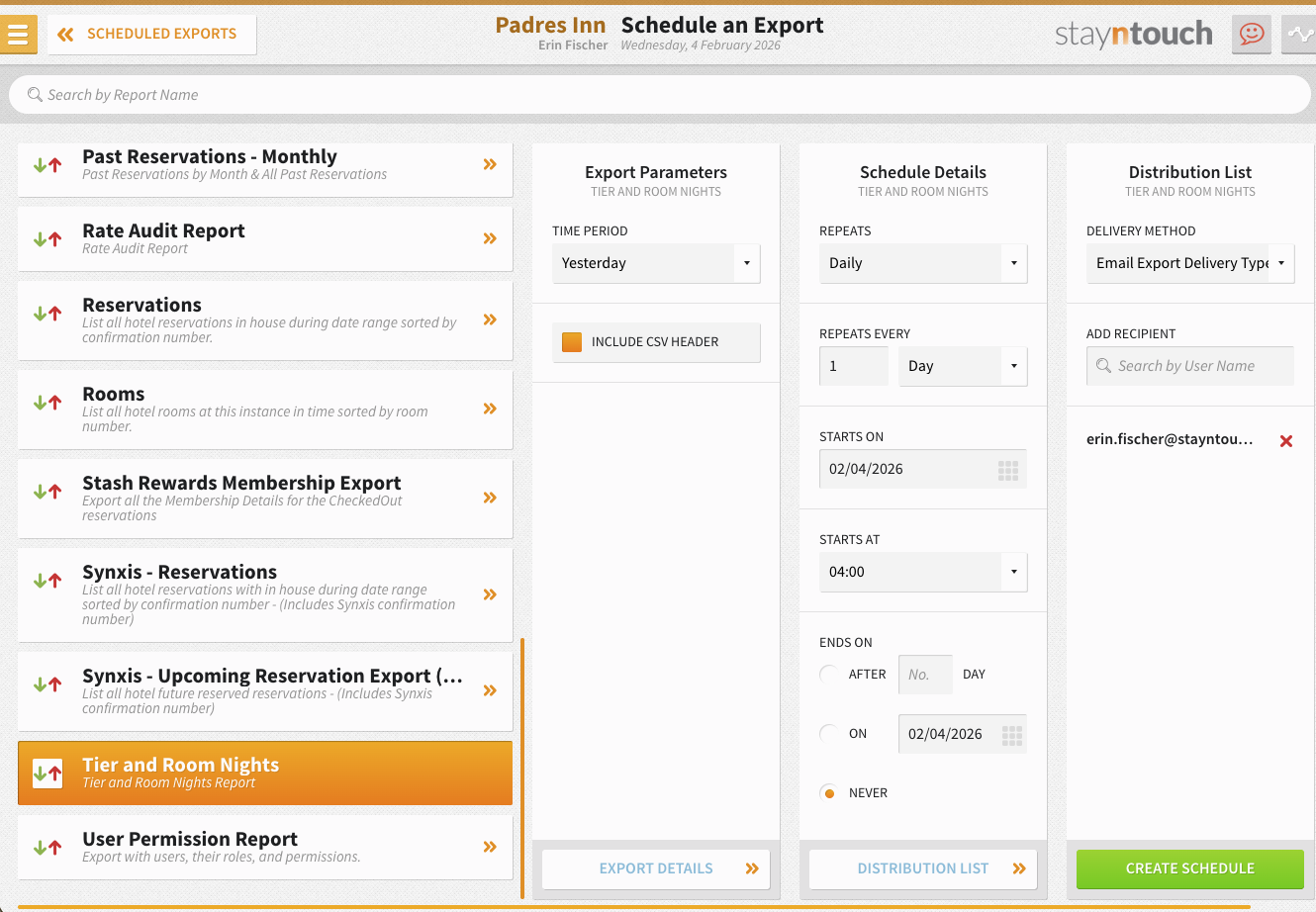
You can schedule the Tier and Room Nights export from Reports > Schedule a Report/Export > Scheduled Exports > + New Export Schedule. The report can be generated for Yesterday and can be scheduled to repeat Daily, Run Once, or Run During EOD. Results are delivered as a CSV file using the standard naming convention: HOTELCODE_Report_Name_From_System_FREQUENCY_YYYYMMDDHHMMSS.
Report Contents:
- Segment, market code, and room code details
- Total revenue and total rooms by room type and segment
- Total market revenue and total market rooms for each associated market and date
- Undefined segments or markets are clearly labeled as "Undefined"