
 Stayntouch PMS
 Stayntouch IBE Setup For Clients Using Adyen Direct
For customers using Adyen Direct, the following steps outline how the property can collect the credentials needed for Stayntouch to add payment credentials in Stayntouch IBE.
1. Log into your Adyen Merchant Portal account.
2. Click Webhooks.
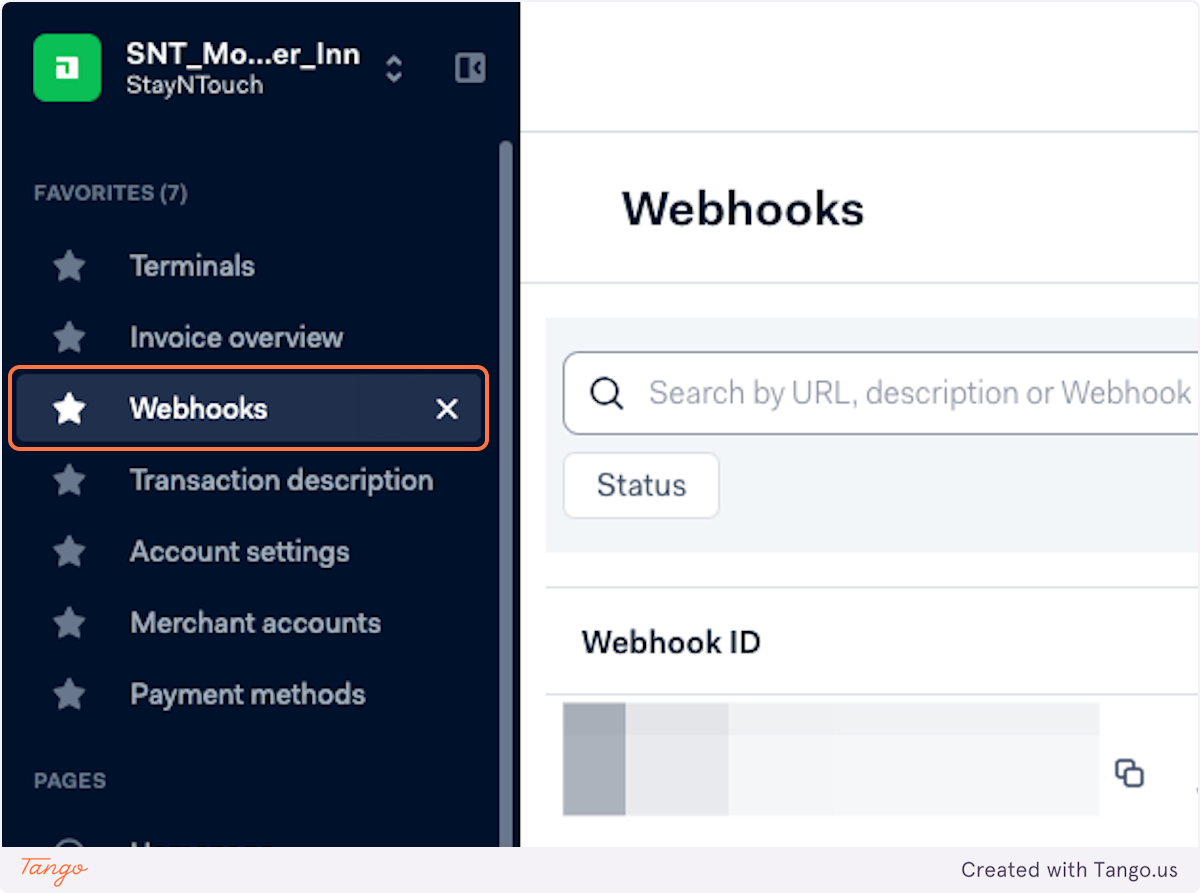
3. Click Create new webhook.
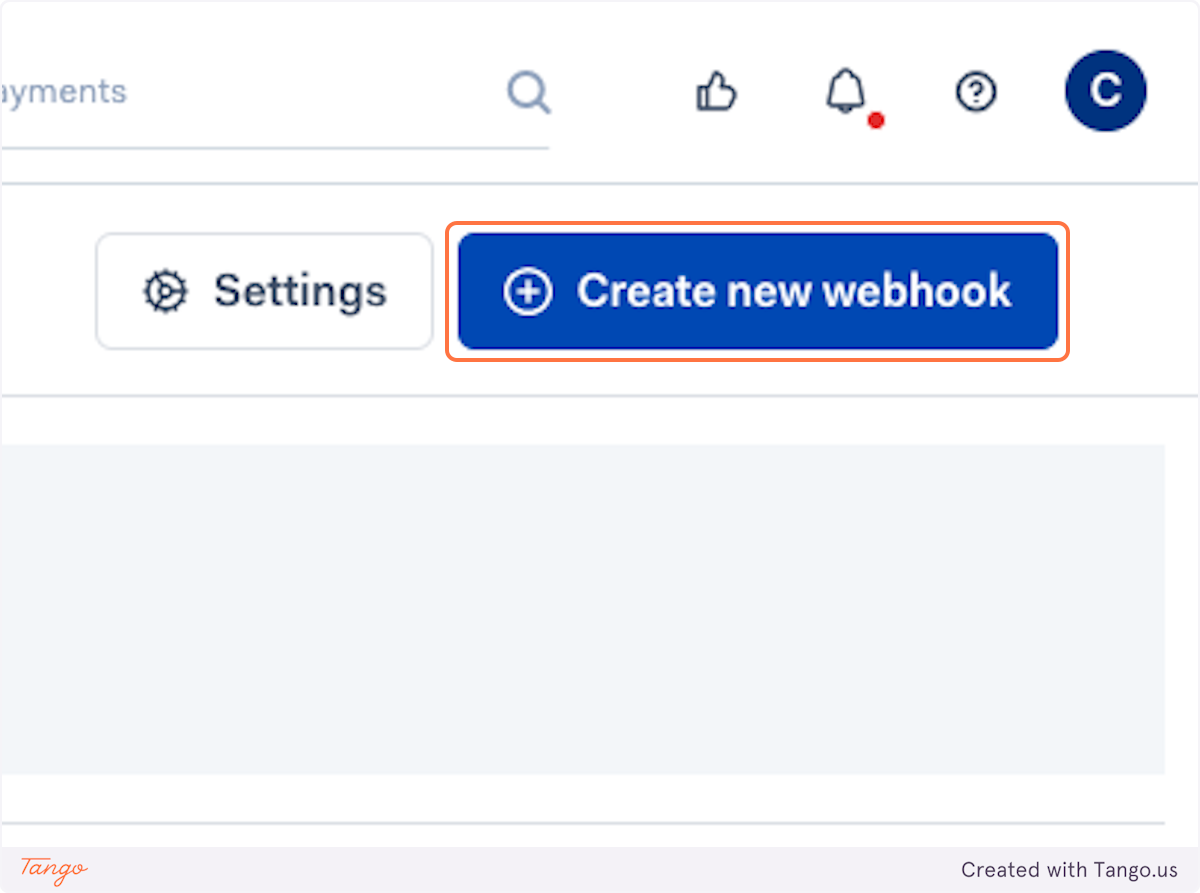
4. Click Add to the right of Standard webhook.
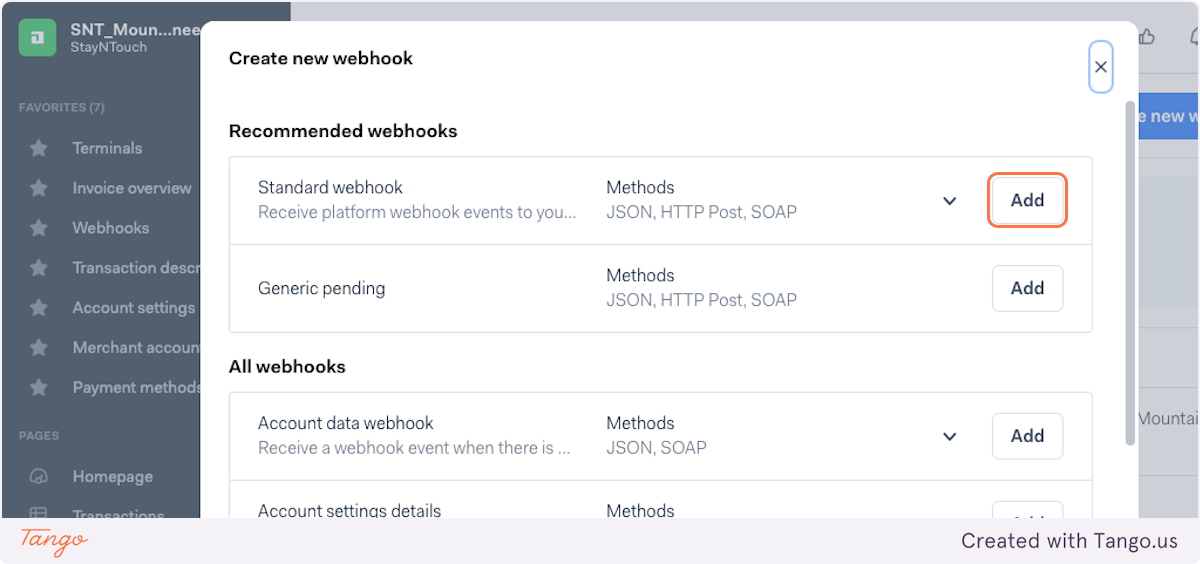
5. Type Webhook for IBE [PROPERTY NAME].
![Type "Webhook for IBE [PROPERTY NAME]"](https://s3.amazonaws.com/cdn.freshdesk.com/data/helpdesk/attachments/production/24178285408/original/ZqyvxPmG6F8dYJX0ZbhH-94vhFdaVoN0CQ.png?1732714751)
6. In the URL field, paste: https://pay-api.prodpayus-nova.stayntouch.com/v1/webhook/notifications/
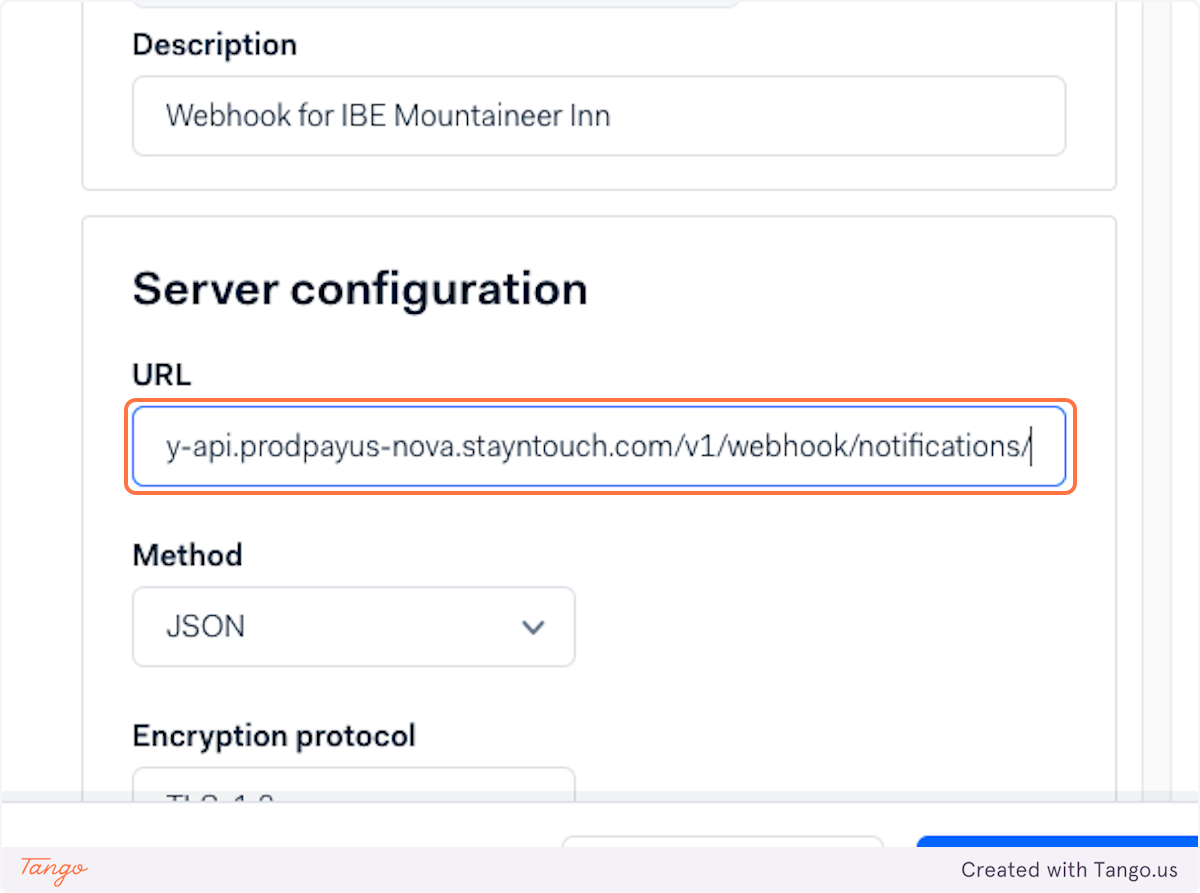
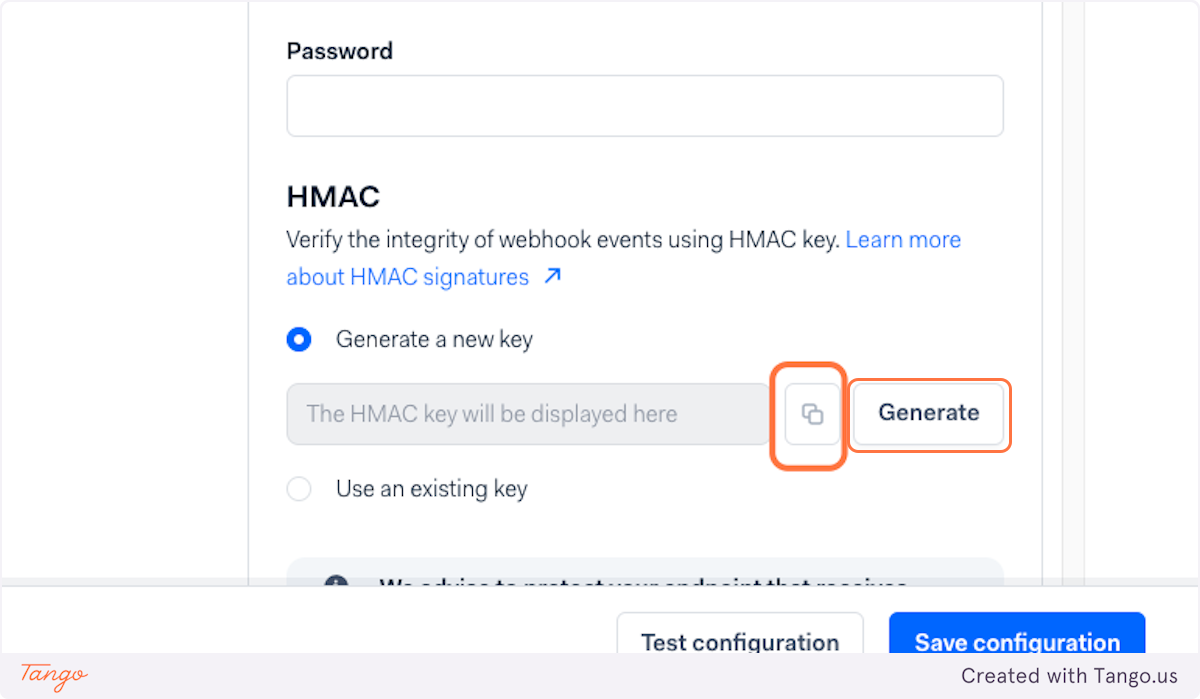
7. Under HMAC, click Generate and then copy the code.
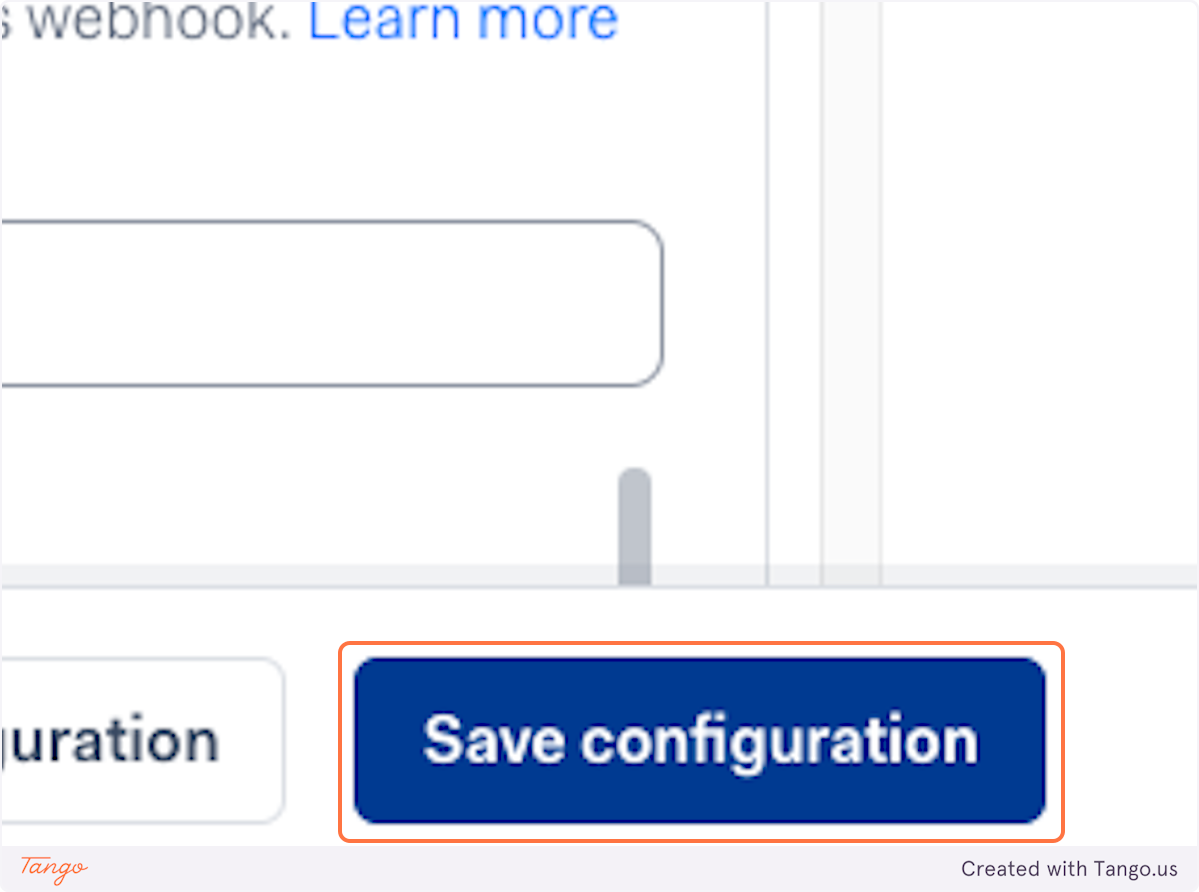
8. Click Save configuration.
9. After saving, you'll need to send Stayntouch the Merchant Account Name (exactly as it is in the Adyen Merchant Portal), HMAC Key, API Key, and Client Key. Because these are production payment credentials, please use a secure sharing platform (e.g., Box, SharePoint, Google Drive with restricted access, etc.) to share these credentials with Stayntouch.
Stayntouch will then add these credentials into Stayntouch IBE to finalize your booking engine setup.