Applies to:  Stayntouch PMS
Stayntouch PMS 
[NEW!] Auto Charge Configuration Has A New Home
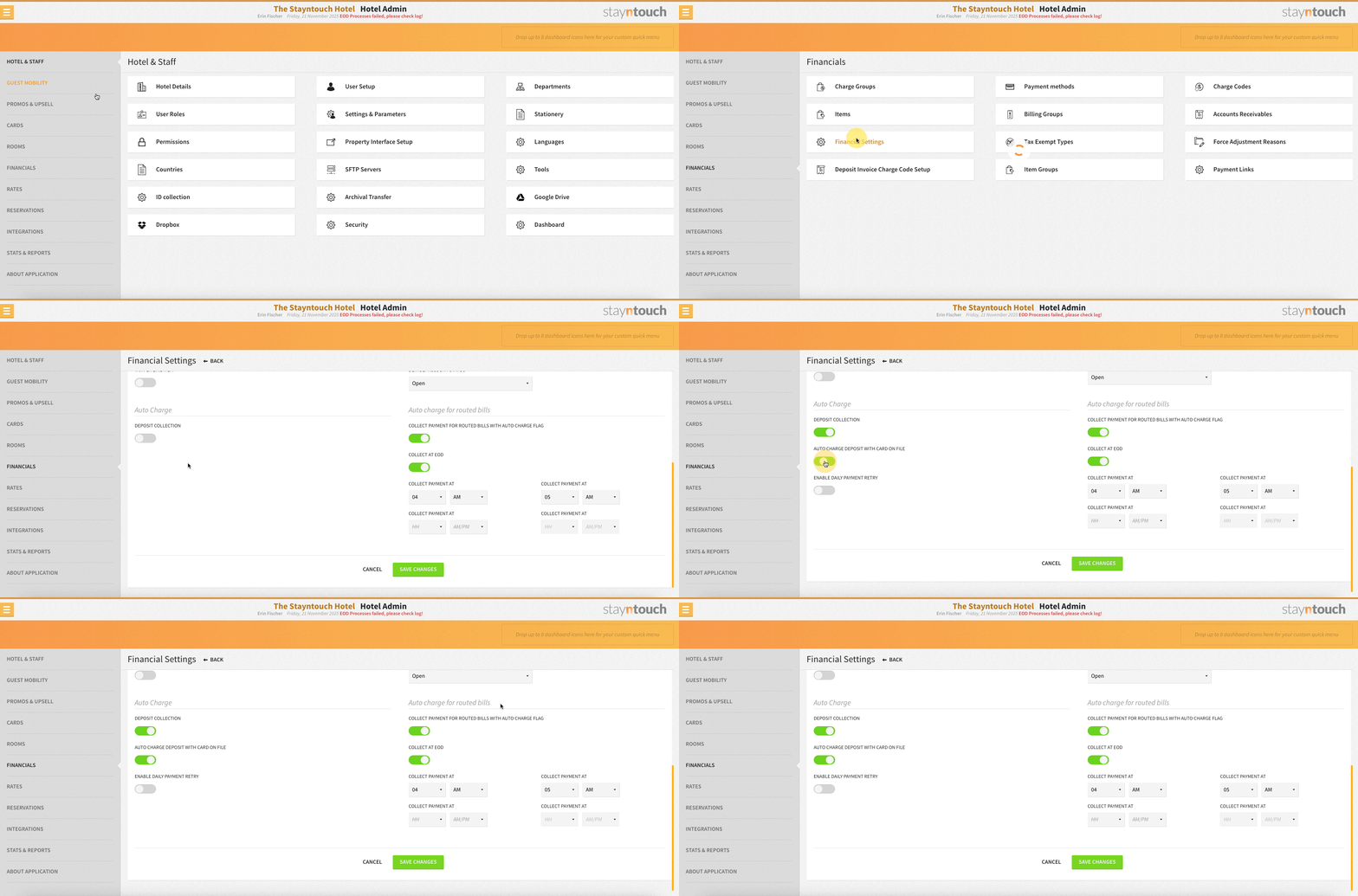
We’ve relocated the Auto Charge section from Settings > Hotel & Staff > Settings & Parameters to Settings > Financials > Financial Settings for a cleaner, more intuitive workflow. To enable automatic deposit collection using the card on file, simply turn on both DEPOSIT COLLECTION and AUTO-CHARGE DEPOSIT WITH CARD ON FILE. Once enabled, deposits will be automatically collected based on the deposit request linked to the rate—no extra steps needed.