Applies to:  Stayntouch PMS
Stayntouch PMS 
[NEW!] Dedicated Payment Link Menu!
Access and manage all your payment links faster than ever. You’ll now find a dedicated section from Settings > Financials > Payment Links. Some clients have requested a standalone custom payment link that can be used independently of confirmation emails—even allowing confirmations to be disabled while still sending a payment link. With this update, they will now be able to enable each option separately.
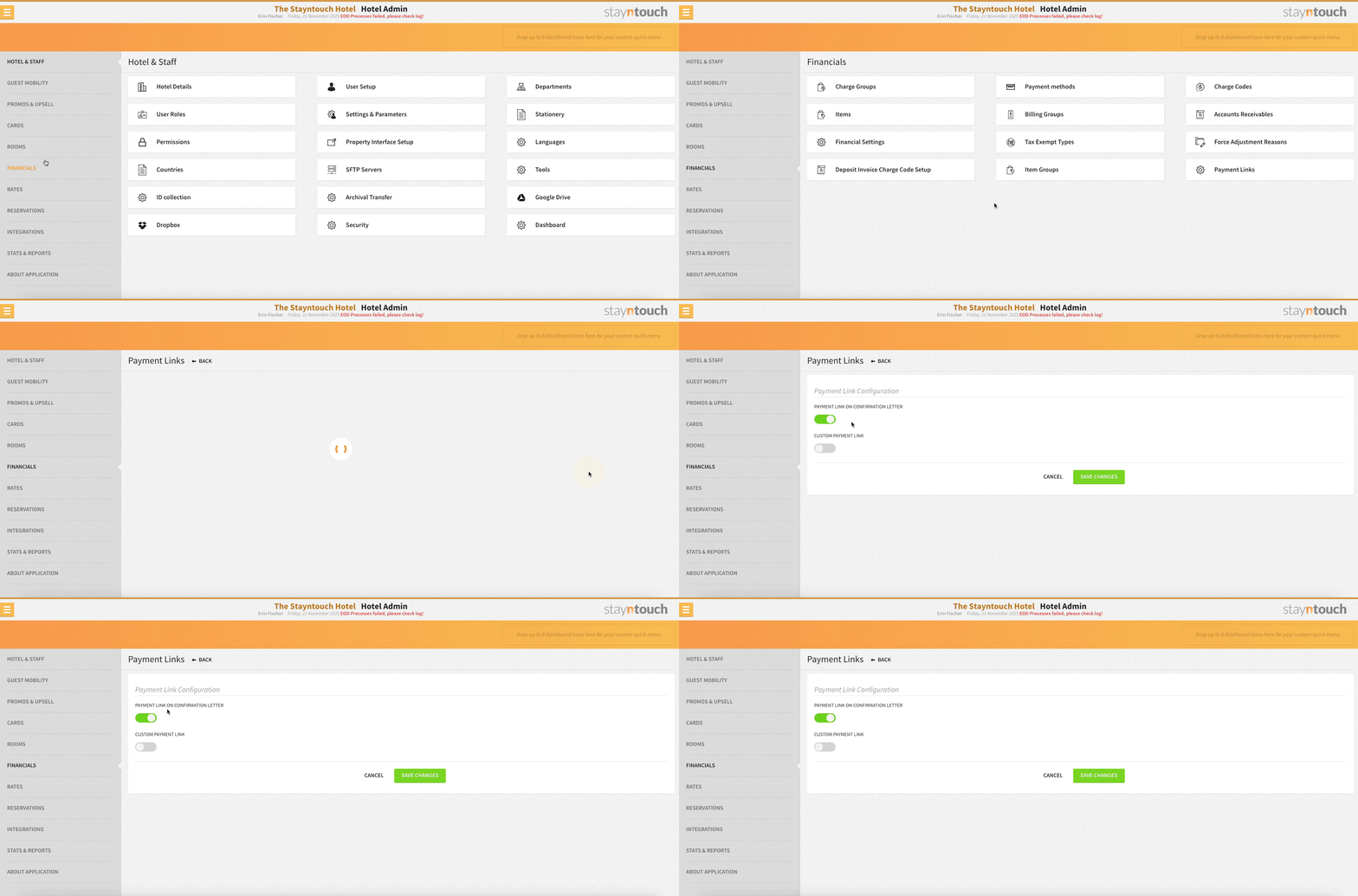
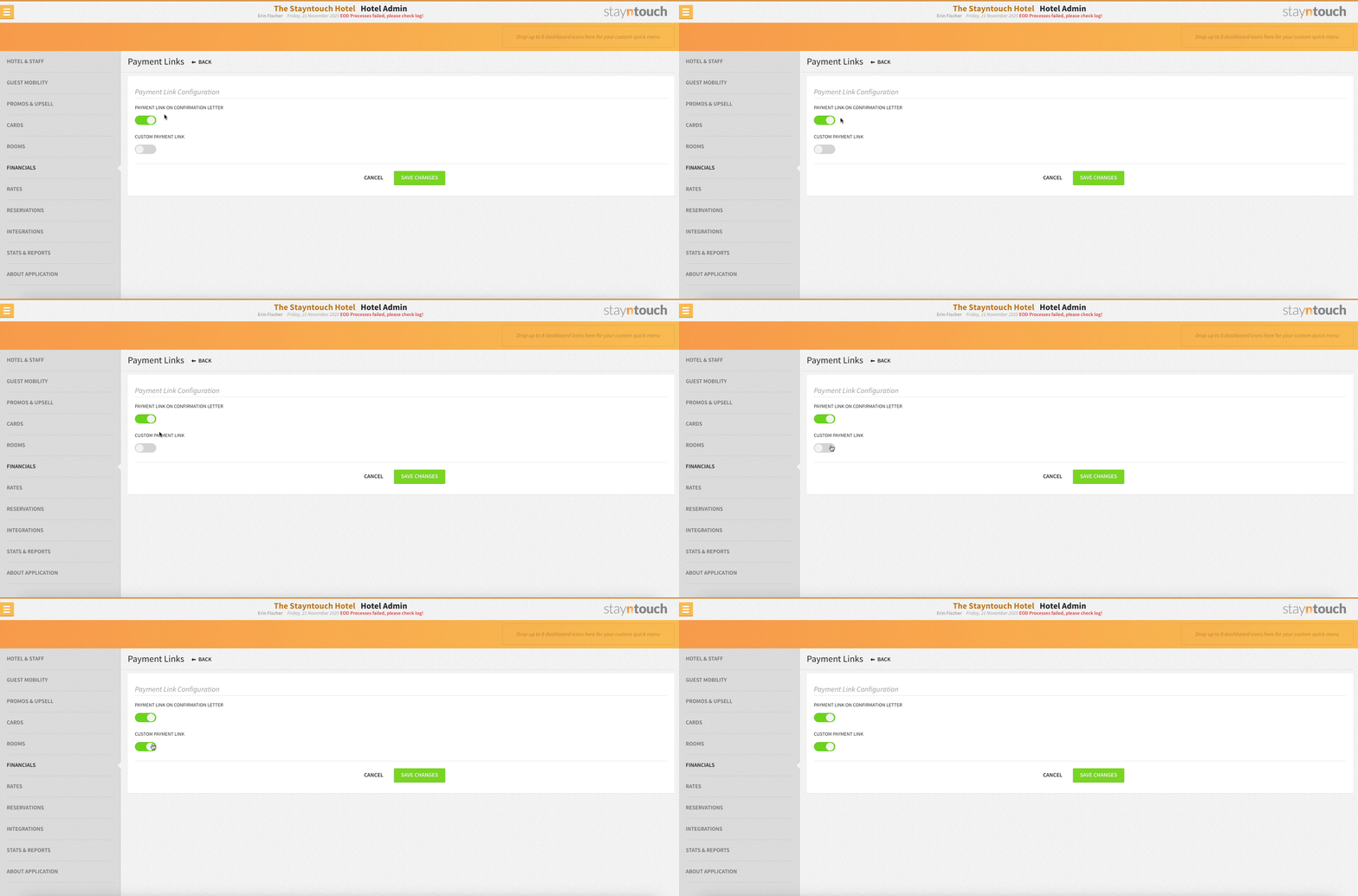
From the Payment Links section, you can now easily activate payment links:
- PAYMENT LINK ON CONFIRMATION LETTER: Enable this to include a payment link on your confirmation letters. It automatically follows the deposit rules for the rate before check-in and the remaining balance for the guest after check-in.
- CUSTOM PAYMENT LINK: Activate this to generate custom payment links for individual reservations and accounts, giving you flexibility and control over payments. With the introduction of the CUSTOM PAYMENT LINK toggle, we separated custom payment link from payment link on the confirmation letter. This means that clients that were using payment links on confirmation letters will not be impacted by this change, as this feature already existed. Clients that were using both will need to manually activate a custom payment link via the menu.