Applies to:  Stayntouch PMS
Stayntouch PMS 
[NEW!] Daily Payment Retry Settings
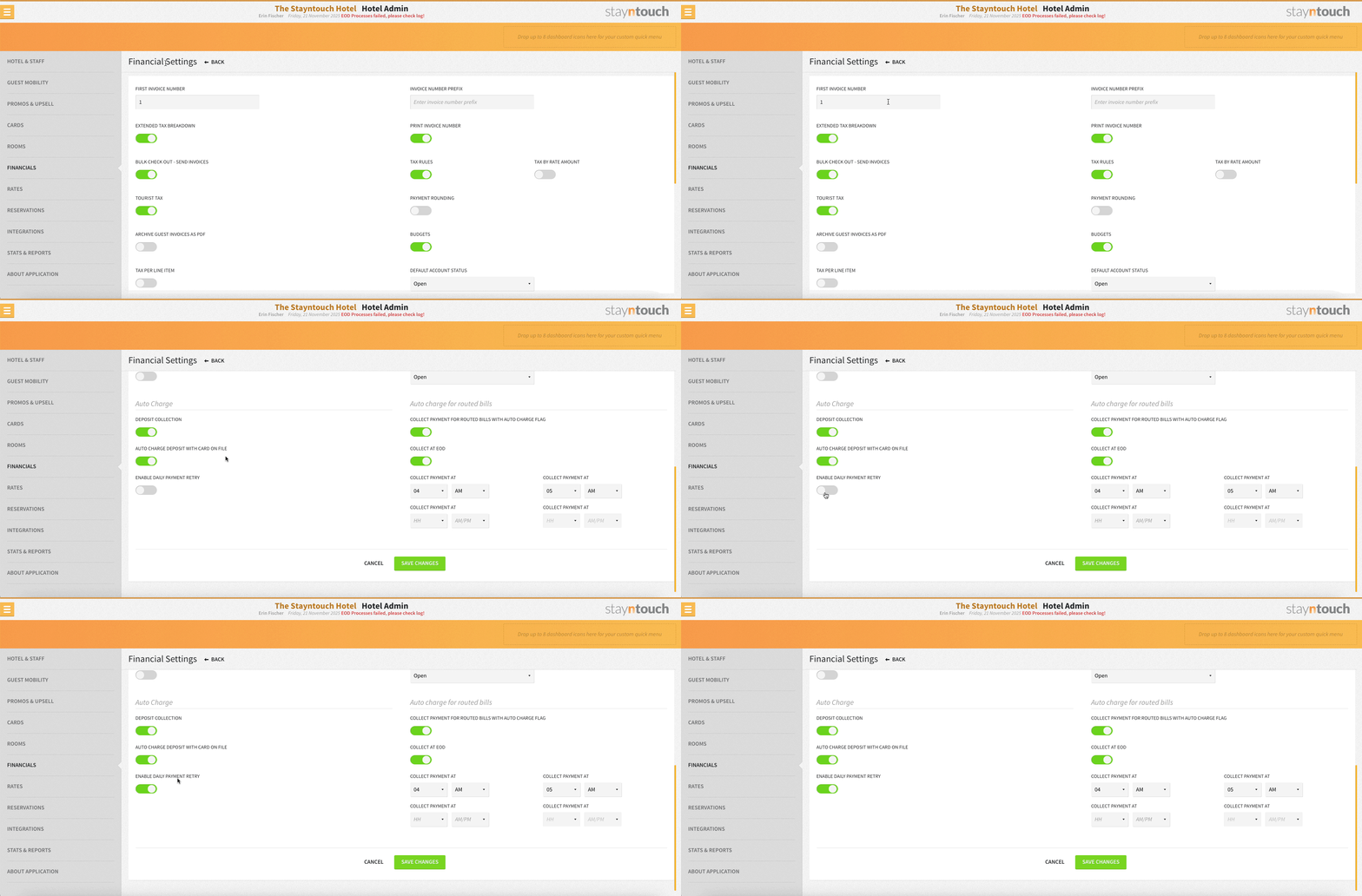
Daily deposit collection using the card on file is now disabled by default for greater control and flexibility. You can find the new setting from Settings > Financials > Financial Settings > Auto Charge. There, you’ll see a brand-new toggle ENABLE DAILY PAYMENT RETRY.
- By default, this toggle is OFF. If previously enabled for the property, the system will still automatically collect the deposit once, but will not continue to collect a failed deposit after the first attempt, unless enabled.
- When switched ON, the system will automatically attempt to charge the card on file at end of day (EOD) if the initial payment attempt fails.