
 Stayntouch PMS
 Trybe
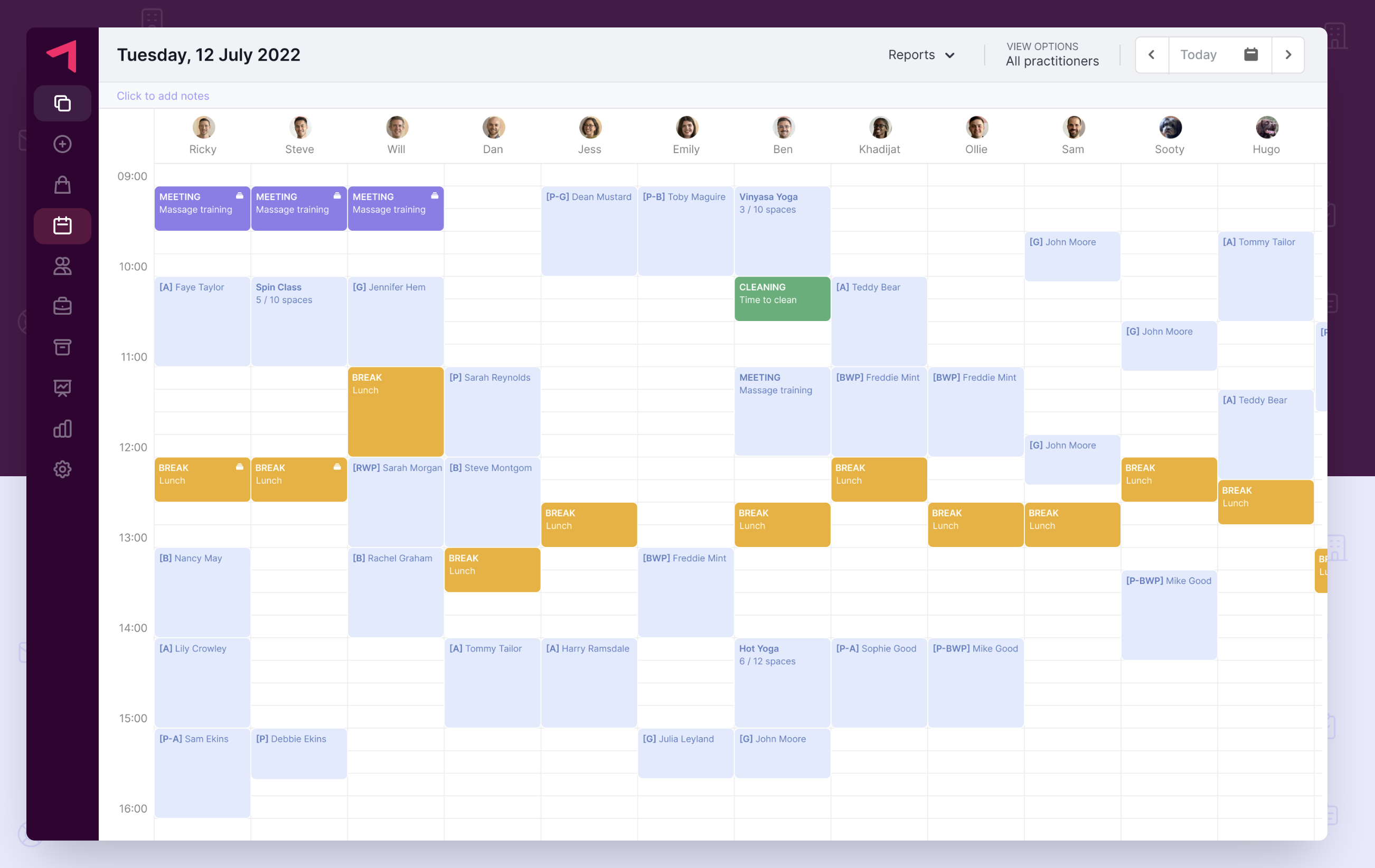
Trybe is the cloud-native all-in-one operational solution to help properties modernize and level up their spa, leisure, and activity operations.
Designed for the industry, by the industry, the system integrates seamlessly with existing software leading to greater efficiency for teams and a greater experience for guests.
Core Features:
- Take live online bookings
- Deliver seamless payments
- Create and sell memberships
- Receive instant reporting
- Collect guest intake forms
- Manage your inventory
- Access Trybe from any device
Features Supported By Integration:
- Look up of guests
- Send spa services and retail goods to the room to be settled at check-out
- Rebates, only full rebate is supported
- Supports non-residential guests
- Supports deposit management for non-residential guests
- Send deposits and deposit consumption (deposit posted sales transactions and payment transaction)
- Once the service is delivered, Trybe sends the data to the PMS (deposit used sales transaction and spa service transaction)
Partial rebates are not supported. Recurring revenue is not supported currently, but is in their roadmap.
To activate this integration for your property, please contact Customer Support.
WEBHOOK USAGE
- There are no webhooks in use.
API USAGE
- GET/hotels
- GET/hotels/{id}/charge_codes
- GET/charge_codes/{id}/basic_taxes
- GET/reservations/checked_in
- GET/posting_accounts
- POS/reservationI/{d}/transactions
- POST/posting_accounts s/{d}/transactions
GENERATING OAUTH KEYS
- Stayntouch Implementations/CSM will generate API OAuth keys to Trybe:
- client_id
- client_secret
- hotel_id
POST FINANCIAL DATA
With the Trybe and Stayntouch integration, you can post over financial data. To get this integration started, you'll need to contact onboarding@stayntouch.com to obtain your credentials to connect to Trybe. Please loop in your contact at Trybe, so we can share the API credentials with them.
- Client ID
- Client Secret
- Base URL
- Authentication URL
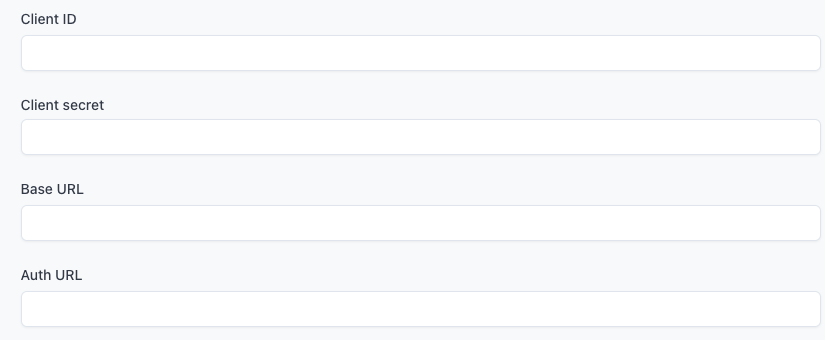
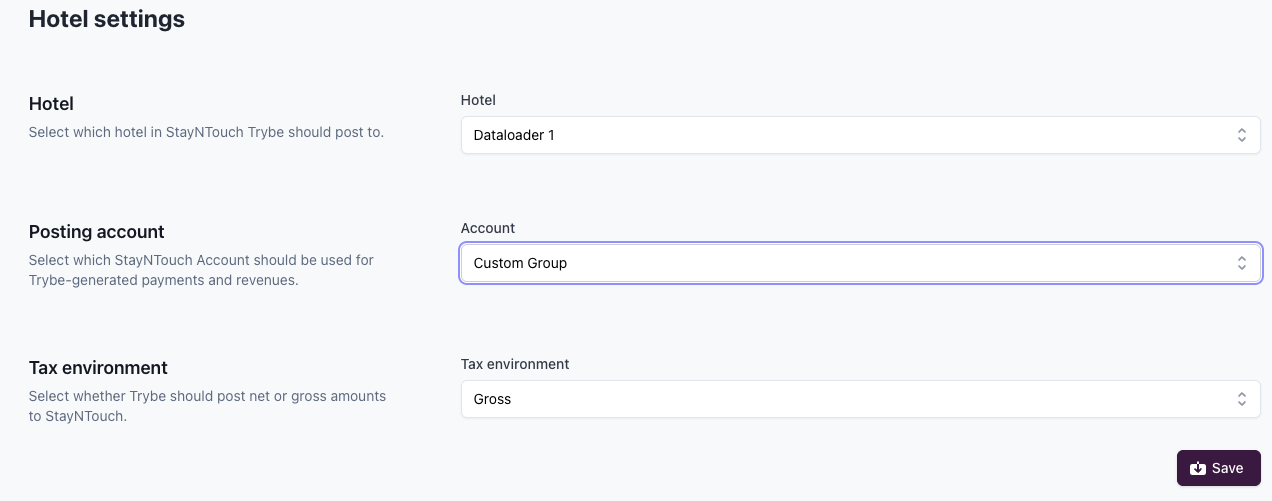
Once these details have been entered, you can then Enable Integration, and that will allow for financial postings to start sending over to Stayntouch! After you have enabled this, you can also start configuring the settings to decide which hotel and posting account you would like to send these to. To assist your finance teams in tracking Trybe transactions, you may wish to set up a posting account just for Trybe.
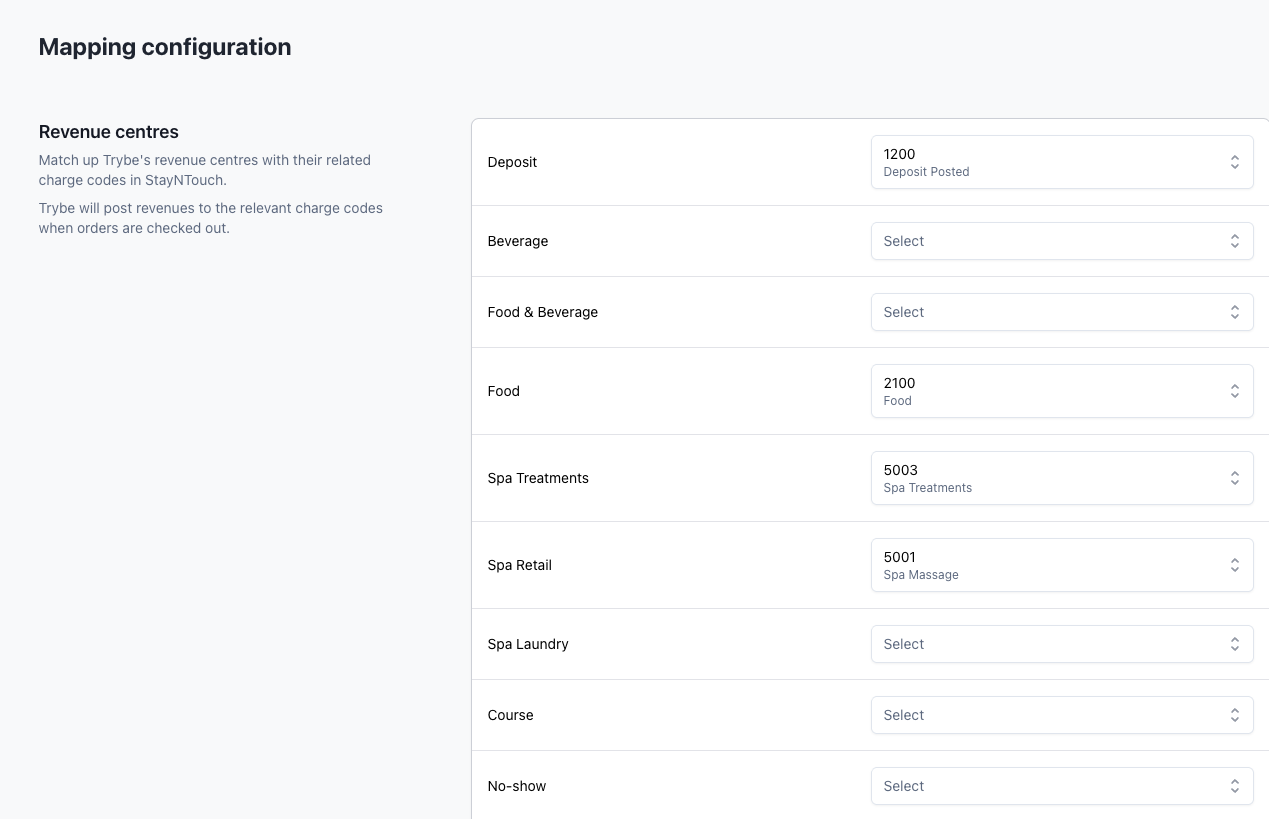
From there, you can start mapping your revenue centers and payment types. All mappings are to be created within Stayntouch, and then you can assign these codes to a Trybe equivalent revenue center and payment type.
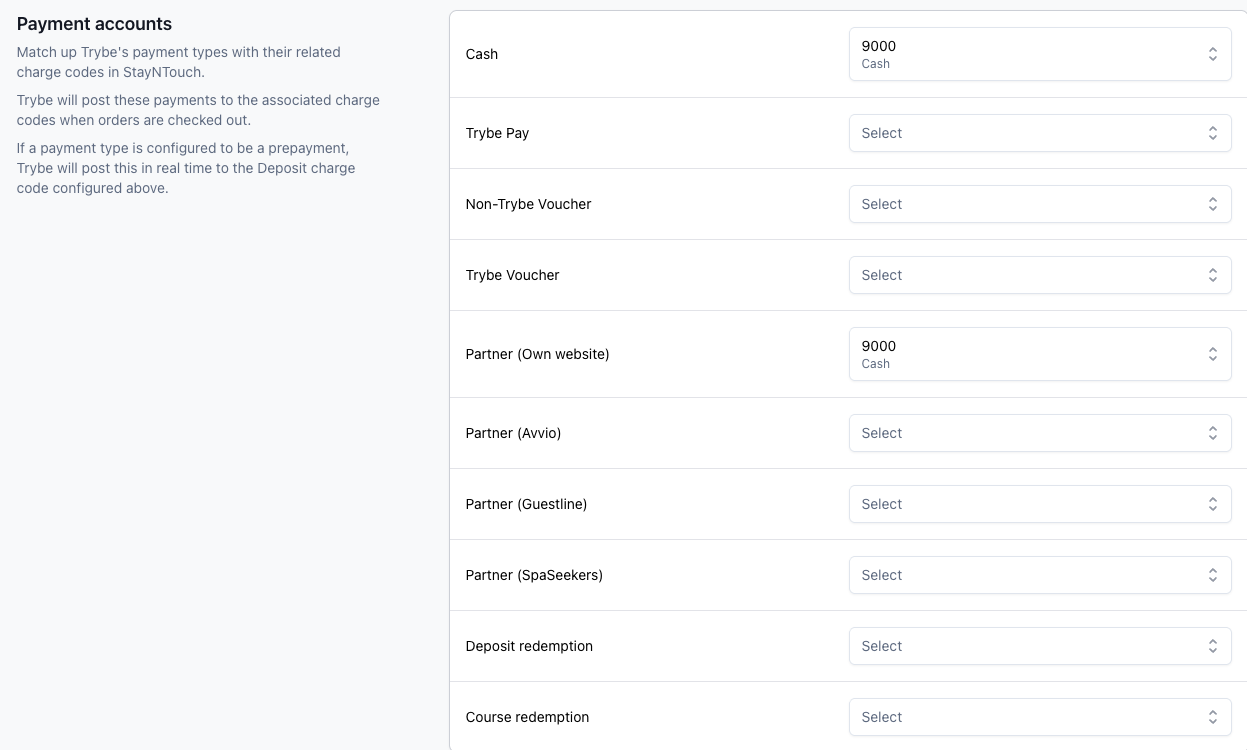
After you have completed this, you can then set up the type of posting you would like for each manual payment type between either deposit or non-deposit posting.