Stayntouch PMS
[NEW!] How To Set Up Two-Factor Authentication
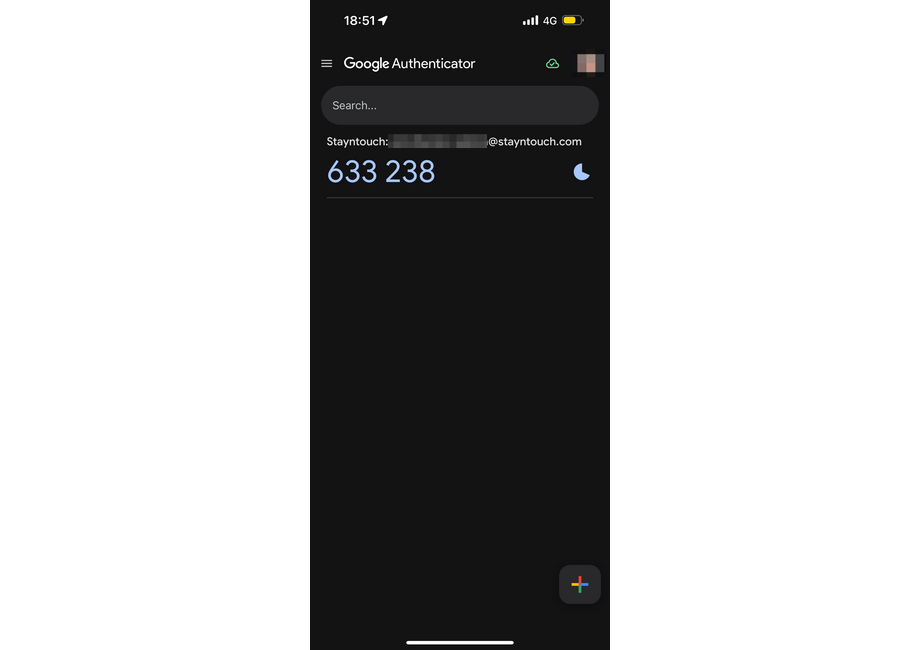
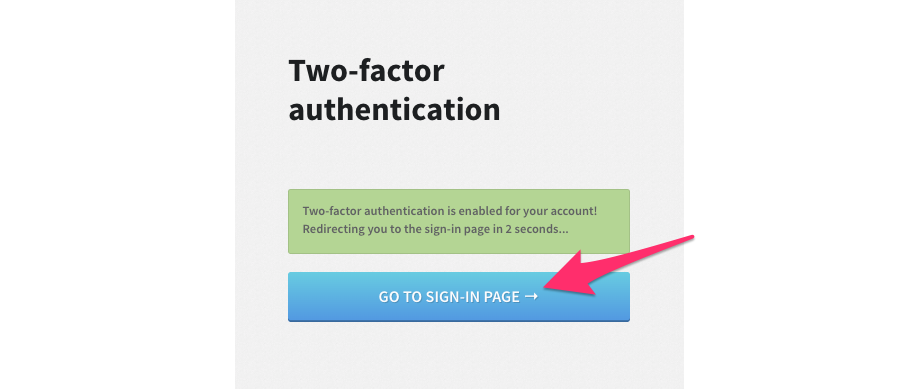
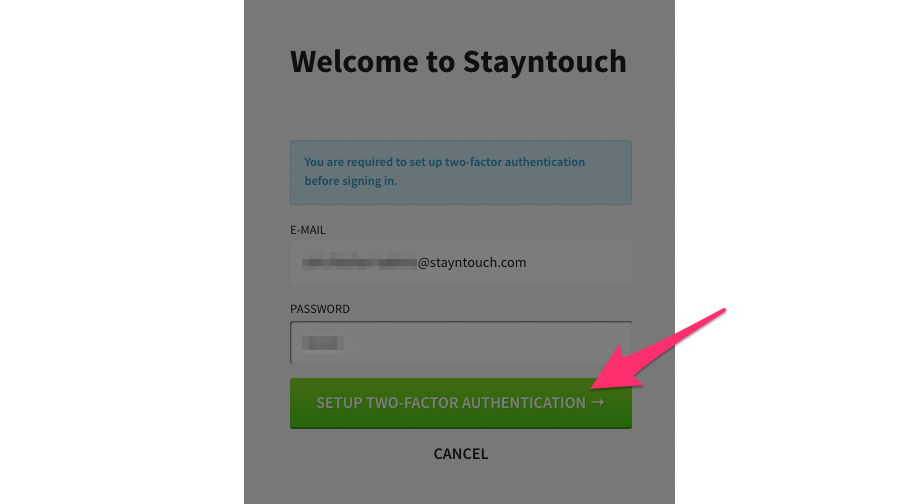
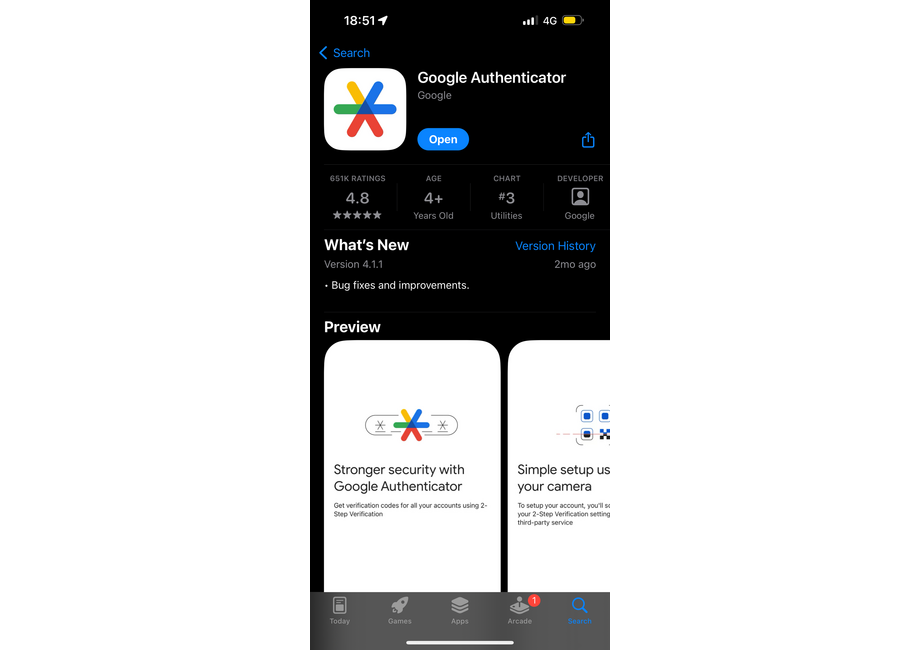
Going forward, you'll notice that Stayntouch PMS accounts will require you to set up two-factor authentication to access your account. When attempting to log into your account, you will now be prompted to SETUP TWO-FACTOR AUTHENTICATION. Upon clicking this button, you will be required to scan the QR code and enter the six-digit code generated by any standard RFC-6238 compliant authenticator app. The app can be downloaded from any App Store. Please note, standard reputable authenticator apps will not ask you for any payment to use the service. Ensure you are downloading from a legitimate source. Once the correct code is entered, you can click GO TO SIGN-IN PAGE to log in. See the screenshots below for an overview of this process.
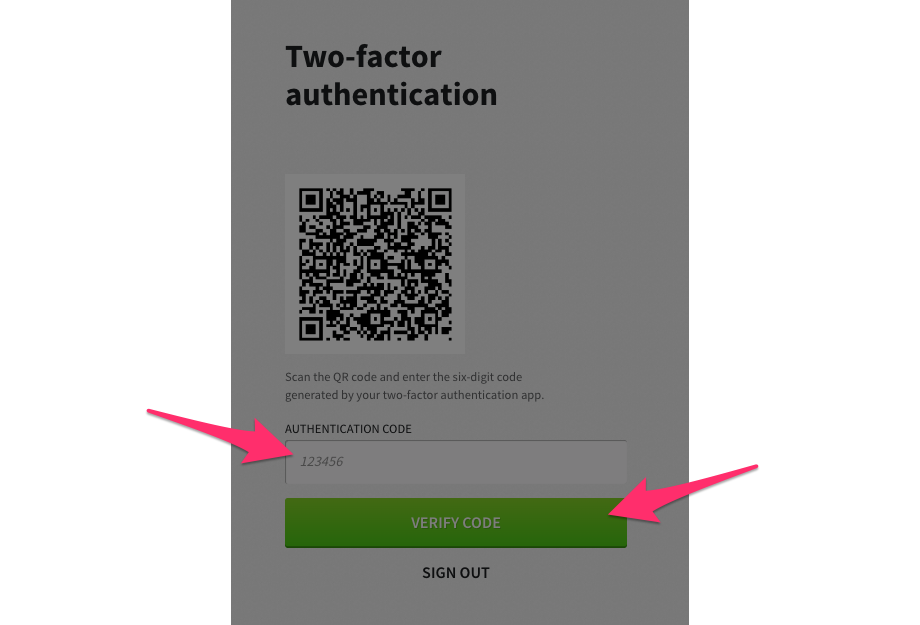
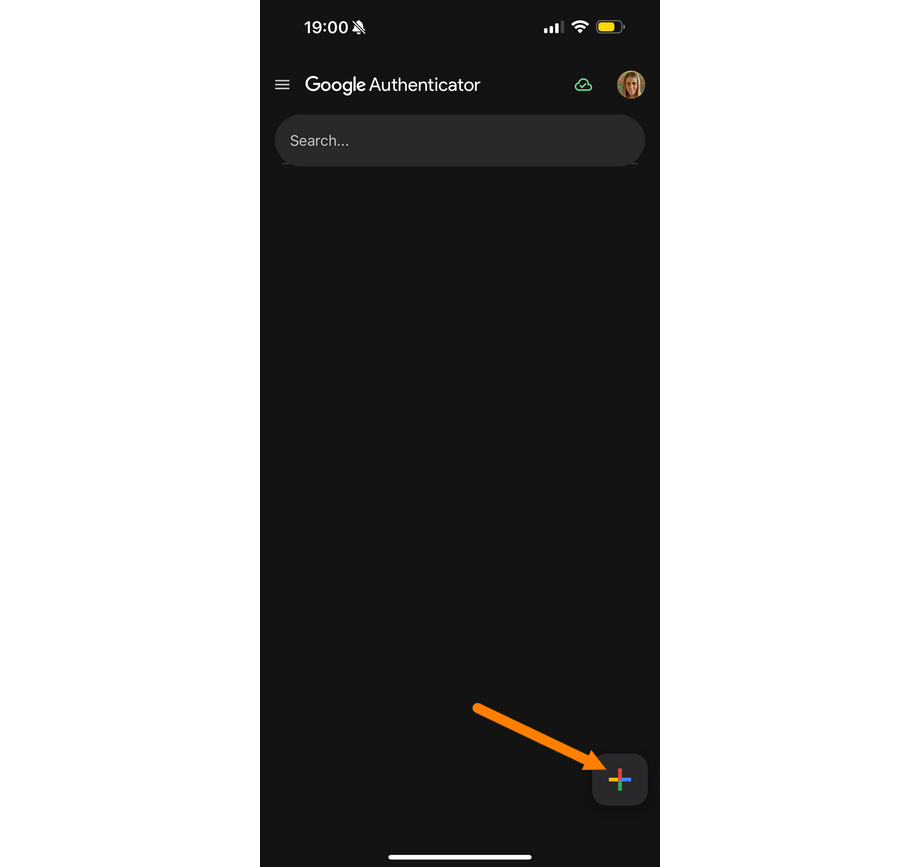
To scan the QR code, click the + button at the bottom right side of the screen and click Scan a QR code.
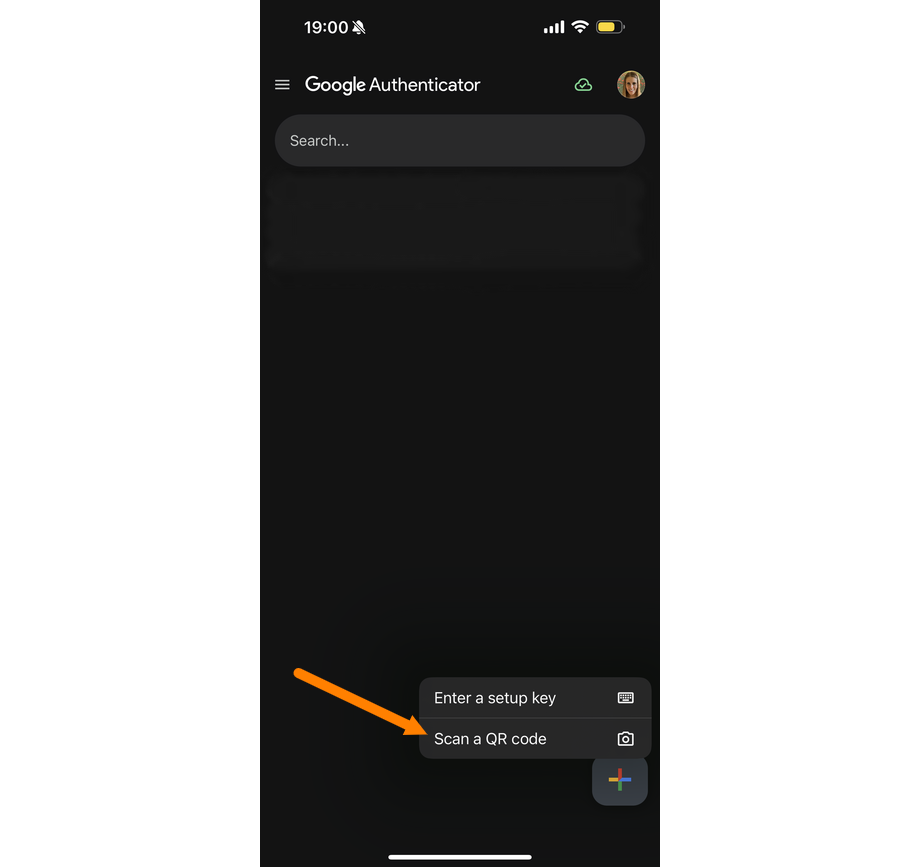
You can then scan the QR code and add the account to Google Authenticator.